01
Confirm identity with iris recognition
Use personal iris biometrics to verify identity and connect to authorization workflows.
DIGITAL BANKING / 03
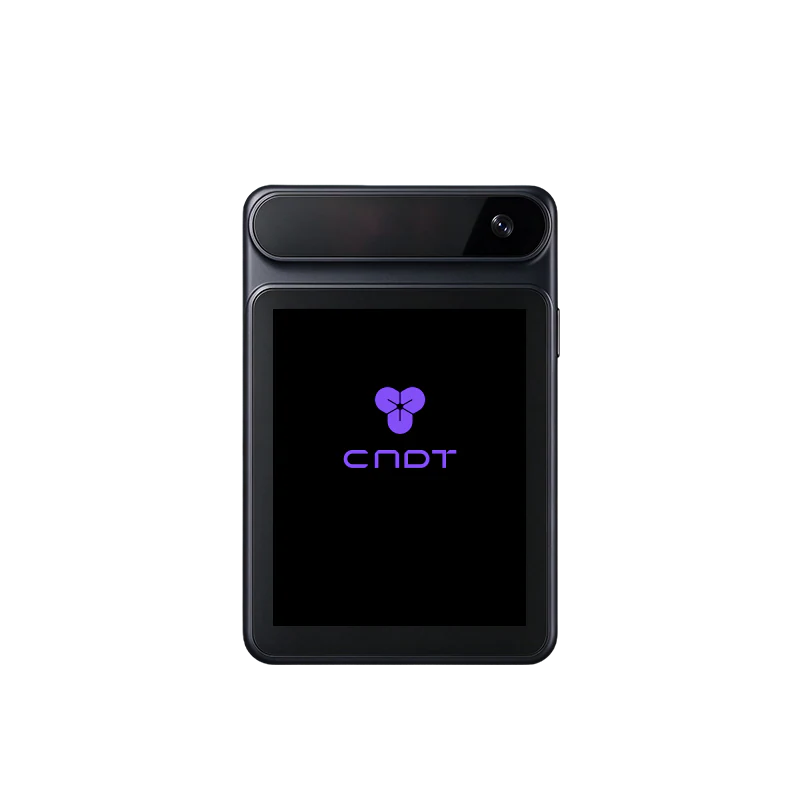
Connect iris identity verification with hardware authorization. Link personal biometrics and a hardware token for identity authentication and business authorization.
CAPABILITIES
01
Use personal iris biometrics to verify identity and connect to authorization workflows.
02
Combine identity verification with dedicated hardware for business operations.
03
Plan device and workflow connections around system interfaces and authorization policies.
PRODUCT INFORMATION
Discuss the right configuration for your application, product form and integration needs.
Modules, interfaces and configurations can be confirmed for each project.
WORKFLOW
01
Connect user identities and devices around your workflows.
02
Verify iris identity at the point where authorization is required.
03
Continue operations according to the business system's authorization policies.
EXPLORE MORE
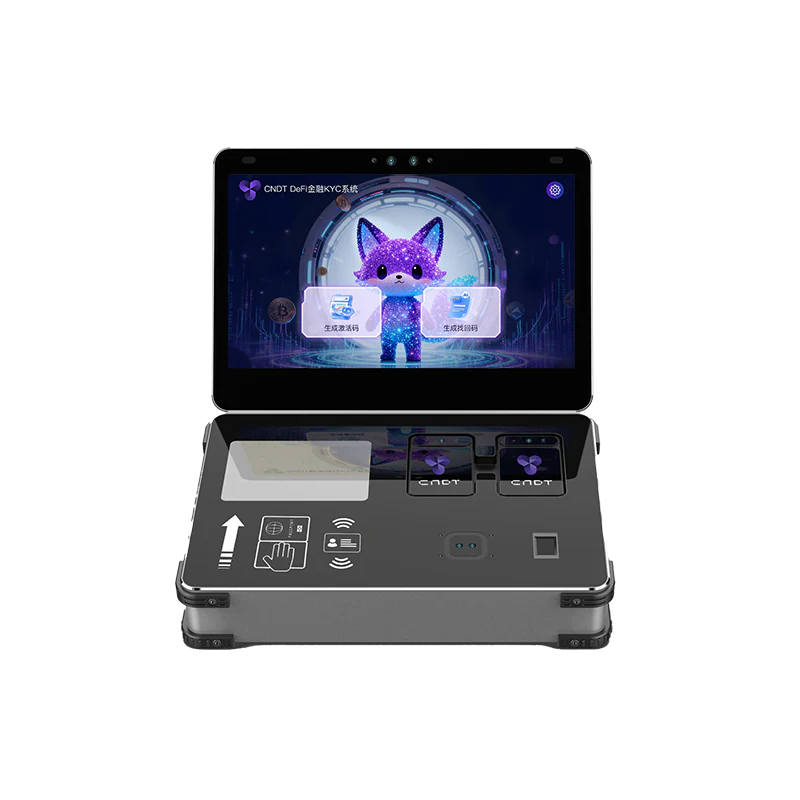
Bring identity capture and verification to the field. A portable case integrates a tablet, OCR and iris modules to connect on-site services with back-office systems.
View product details
Make identity confirmation part of authorization. Connect verification with asset authorization through iris-based identity.
View product detailsShare your workflows, module requirements and integration scope to discuss a suitable product solution with TradeSwift.